
Blog
How to restart a match in CS2
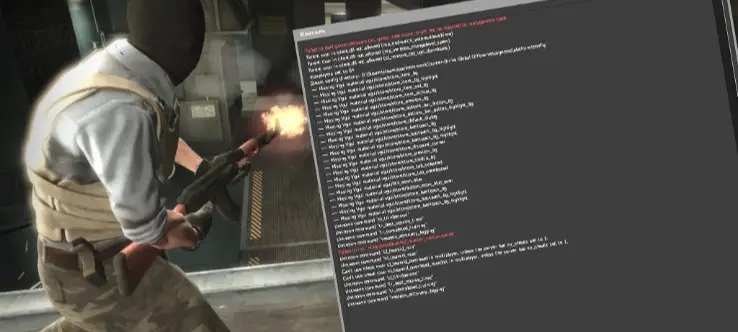
How to Quickly Restart a Match in CS2
Every player has experienced moments when they needed to instantly restart a match in CS2, but exiting to the menu and re-inviting friends took too long. That’s exactly why we’ve prepared this guide — to show you how to restart your game quickly and efficiently.How to Restart a Match in CS2 via Console
To restart a match in CS2, open the in-game console and enter:
mp_restartgame 3
The match will restart in 3 seconds. You can change the delay by entering a different number instead of “3”.
How to Set a Delayed Match Restart in CS2
If you want to schedule a delayed restart, use these commands:
mp_restartgame 60 — restart after 1 minute
mp_restartgame 300 — restart after 5 minutes
mp_restartgame 600 — restart after 10 minutes
You can set any delay in seconds by changing the number at the end of the command.
Why the Restart Command Might Not Work
If the command doesn’t work, it’s likely because:
- You don’t have admin rights on the server.
- You’re playing on official Valve servers.
- The current game mode only allows map changes.
Keywords: cs2 match restart, mp_restartgame cs2, cs2 commands, cs2 console, cs2 restart guide, cs2 server setup, cs2 training, cs2case, cs2 cases, cs2 skins